
Download Sources
Device Configuration
Split APKs Installation Guide
Some apps are distributed as Split APKs (multiple .apk files packaged together) to optimize resources. Standard Android installers cannot open them.
Related Applications




What's New
★ Improved syntax highlighting.
★ Added more themes.
★ Bug fixes.
About this app
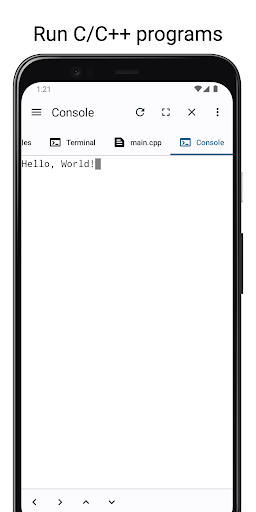
CxStudio is an integrated development environment(IDE) for developing C/C++ programs on your device.
It comes with a C/C++ compiler(clang) preinstalled as well as make and cmake.
Features
Editor
- Auto backup if you leave the app without saving.
- Undo and Redo.
- Support for characters not normally present in the virtual keyboard like tabs and arrows.
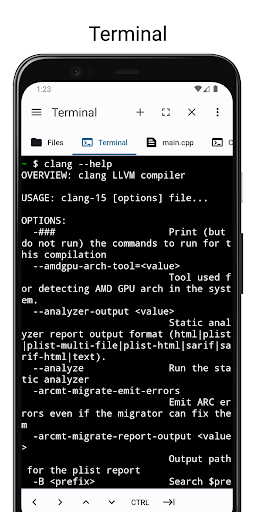
Terminal
- Preinstalled with clang, make, cmake, bash etc
- Access the shell and commands that ship with android.
- Support for tab and arrows even if the virtual keyboard lacks them.
File Manager
- Access your files without leaving the app.
- Copy, Paste and Delete.
How to Download CxStudio - C/C++ IDE APK
- Enter the package name
com.alif.ide.cppon the APK Downloader homepage. - Select your device architecture (ARM64 recommended for modern devices).
- Click Download to get the merged APK file.
- Transfer and install the APK on your Android device.
- Keep Updated: Visit APK Downloader regularly to search for and download the latest secure versions of your favorite apps.
Security & Signature Verification
This APK download is 100% safe. We verify that the cryptographic signature of the file matches the official developer credentials. No modifications or adware are injected.