




Download Sources
Device Configuration
Split APKs Installation Guide
Some apps are distributed as Split APKs (multiple .apk files packaged together) to optimize resources. Standard Android installers cannot open them.
What's New
We improved stability and performance, as well as fixed some bugs.
About this app
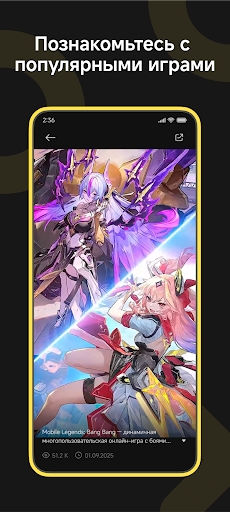
Hey there, Gamers! Welcome to GameHub — an official platform and community dedicated to mobile gamers worldwide. We provide one-stop services covering the latest news, walkthroughs, and exclusive rewards to make your gaming journey more enjoyable. At GameHub, you can stay up to date with the latest game news and official updates, keeping track of trending titles around the world. You can explore practical guides and in-depth walkthroughs to overcome tough challenges and enhance your gameplay experience. You can also claim exclusive rewards and gift packs, with new offers and collaborations added regularly. Whether you play to relax or to chase peak performance, GameHub is here to be part of every moment of your gaming adventure. If you have any feedback or suggestions, feel free to reach us through our official channels. Thank you for choosing GameHub—let’s explore a bigger gaming world together!
How to Download GameHub APK
- Enter the package name
com.game.hubon the APK Downloader. - Select your device architecture (ARM64 recommended for modern devices).
- Click Download to get the merged APK file.
- Transfer and install the APK on your Android device.
- Keep Updated: Visit APKDER.COM regularly to search for and download the latest secure versions of your favorite apps.
Security & Signature Verification
This APK download is 100% safe. We verify that the cryptographic signature of the file matches the official developer credentials. No modifications or adware are injected.
