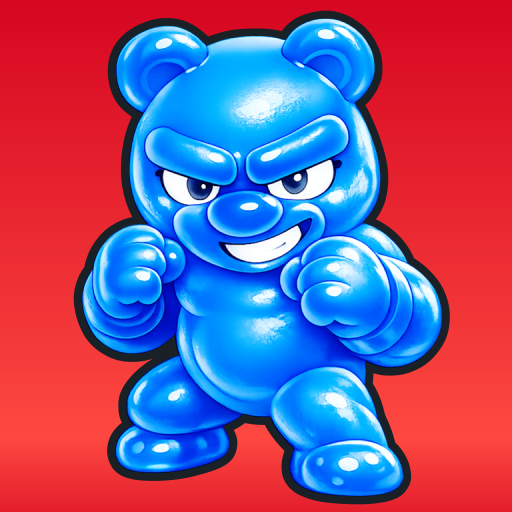

Gummy Clash APK Screenshots


Gummy Clash Game Information
Download Sources
Device Configuration
Split APKs Installation Guide
Some apps are distributed as Split APKs (multiple .apk files packaged together) to optimize resources. Standard Android installers cannot open them.
What's New in Gummy Clash
First
About Gummy Clash
Gummy Clash is a colorful single-lane auto battler where adorable jelly warriors crash, bounce, and battle for victory. Pick free Gummies from the shop, decide when to reroll for better options, and merge your units to build a stronger team before the fight begins.
Every Gummy has a clear role. Normal Gummy is balanced and reliable. Tank Gummy is powerful and durable, but very slow. Fast Gummy attacks quickly with lower health. Multiple Gummies are weak alone, but their numbers can keep stronger enemies busy. Gummies also come in different elements such as Fire, Lightning, and Water, bringing more variety to every match.
The controls stay simple. Battles happen automatically, so your main action is dragging a unit to merge it. You can even merge Gummies of the same unit type with different elements, opening the door to stronger combinations. Placement stays straightforward, so the focus is on smart choices, upgrades, and timing.
Economy matters too. Gummies are free to pick from the shop, but rerolling costs gold and merging uses currency. You earn more currency by damaging or defeating enemy Gummies, and every round also gives both players a minimum income so you can always prepare for the next battle.
Simple drag-to-merge controls
Single-lane auto battles that are easy to follow
Free unit picks with gold-based rerolls
Elemental combinations such as Fire, Lightning, and Water
Four clear unit roles: balanced, tank, fast, and swarm
Round income system that keeps every match moving.
How to Download Gummy Clash APK
- Enter the package name
com.khailabs.gummyclashon the APK Downloader. - Select your device architecture (ARM64 recommended for modern devices).
- Click Download to get the merged APK file.
- Transfer and install the APK on your Android device.
- Keep Updated: Visit APKDER.COM regularly to search for and download the latest secure versions of your favorite apps.
Frequently Asked Questions
Yes! Every APK download provided by APKDER undergoes rigorous security verification. We verify that the cryptographic signature of the APK file matches the official signature from the developer, ensuring the APK is original, untouched, and free from any modifications.
To install it, you first need to enable "Unknown Sources" in your Android device's security settings. After downloading the APK file from APKDER, tap it to begin the installation and follow the on-screen prompts.
Yes! As soon as the developer releases a new version of Gummy Clash, we will update and provide the updated APK on APKDER. You can simply download and install the new APK over the existing installation without losing your app data.
Yes. APKDER allows you to bypass geographic restrictions and download official APK files directly, even if the app or game is not officially available in your country's store.
A standard APK is a single installation package. An XAPK or Split APK contains multiple resource files (like OBB expansions or device-specific layout parts) packaged together. To install them, you can download splits individually or use dynamic helper tools like Split APKs Installer (SAI).
Security & Signature Verification
This APK download is 100% safe. We verify that the cryptographic signature of the file matches the official developer credentials. No modifications or adware are injected.


