
Download Sources
Device Configuration
Split APKs Installation Guide
Some apps are distributed as Split APKs (multiple .apk files packaged together) to optimize resources. Standard Android installers cannot open them.
Related Applications




What's New
Add new features and enhance experience
About this app
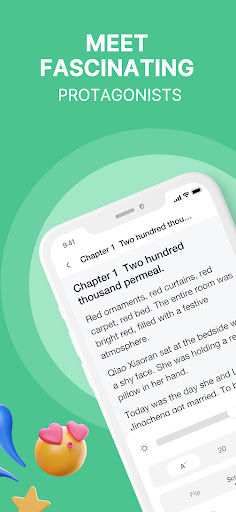
Immerse yourself in a world of captivating stories with NovelBar, where trending fiction meets timeless enjoyment!
NovelBar features an expansive library filled with diverse and exciting novels that will sweep you away. From passionate romances to epic fantasies, our collection is tailored to satisfy every reader’s taste, providing an ideal escape from the everyday.
At NovelBar, we understand that reading is not just a hobby—it’s a way to relax and explore new worlds. That’s why we’ve handpicked novels across all genres to ensure you always find something that resonates with your mood and interests.
Behind our ever-growing selection is Letterlux, a vibrant platform where both emerging and established authors bring their best works to life. Interested in becoming a part of this creative community? Aspiring writers can apply to join Letterlux through the link: https://letterlux.tech/ and see their stories featured on NovelBar.
Whether you're a seasoned reader or looking to broaden your literary horizons, NovelBar is your gateway to unforgettable stories.
How to Download NovelBar-Your Reading Haven APK
- Enter the package name
com.qvon.novelbaron the APK Downloader homepage. - Select your device architecture (ARM64 recommended for modern devices).
- Click Download to get the merged APK file.
- Transfer and install the APK on your Android device.
- Keep Updated: Visit APK Downloader regularly to search for and download the latest secure versions of your favorite apps.
Security & Signature Verification
This APK download is 100% safe. We verify that the cryptographic signature of the file matches the official developer credentials. No modifications or adware are injected.