
Download Sources
Device Configuration
Split APKs Installation Guide
Some apps are distributed as Split APKs (multiple .apk files packaged together) to optimize resources. Standard Android installers cannot open them.
Related Applications


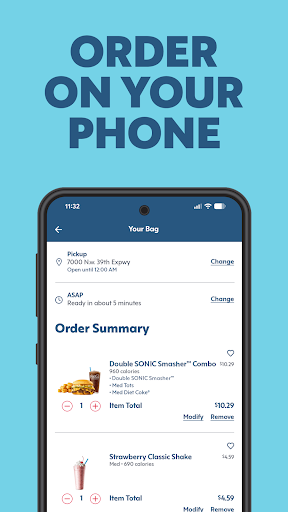


About this app
Looking to make life more delicious? Download the SONIC® Drive-In app now to ditch the dull and make food fun again. Enjoy exclusive offers, find your closest location, and customize when ordering your favorites - NERDS® in your slush, no problem! It’s time to Live Free. Eat SONIC.
- Create an account for exclusive offers and rewards you can redeem when you order ahead.
- Find the closest SONIC Drive-In locations and see their hours.
- Browse the menu, customize your favorites and save time when you order ahead in the app. Check out what's new and view nutritional info for each item.
How to Download SONIC Drive-In - Order Online APK
- Enter the package name
com.sonic.sonicdriveinon the APK Downloader homepage. - Select your device architecture (ARM64 recommended for modern devices).
- Click Download to get the merged APK file.
- Transfer and install the APK on your Android device.
- Keep Updated: Visit APK Downloader regularly to search for and download the latest secure versions of your favorite apps.
Security & Signature Verification
This APK download is 100% safe. We verify that the cryptographic signature of the file matches the official developer credentials. No modifications or adware are injected.