



Download Sources
Device Configuration
Split APKs Installation Guide
Some apps are distributed as Split APKs (multiple .apk files packaged together) to optimize resources. Standard Android installers cannot open them.
What's New
Stability improvement and bug fixes.
About this app
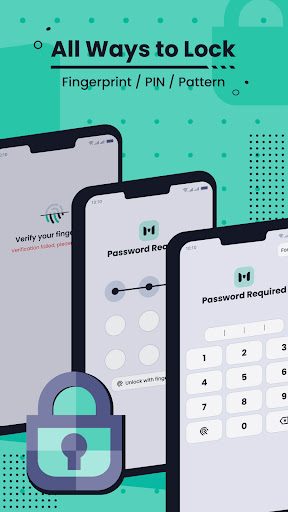
Pictures & Photo Locker securing your photos and videos in custom albums.
User Reviews

very convenient and serves it's purpose well though the new version seems not able to recover old information l once had before it was deleted.Pliz bring back that ability coz l want my old information it's very important

it nice to use but when it comes to videos there should be double tap to forward and to the other side, well and it's the best hide app ever

The app is the best. For those complaining of lost files, you are the cause. If you uninstall the app mistakenly or you lose your phone, whenever you downloaded the app again, try and answer the security questions correctly, put your former password and confirmed the password, the input the correct answer of your favourite book. Everything that you have in the file will come up. I've done it twice still get back all my documents.

This app is is not good. I created a pattern and all that, then later when I tried opening the app, it does not open. The screen only blinks and the app does not open. I tried to clear data for the app and repeated the same installation process. And the problem did nit cease.
How to Download MSecret- Hide Photos & Videos APK
- Enter the package name
com.talpa.image.encryptionon the APK Downloader. - Select your device architecture (ARM64 recommended for modern devices).
- Click Download to get the merged APK file.
- Transfer and install the APK on your Android device.
- Keep Updated: Visit APKDER.COM regularly to search for and download the latest secure versions of your favorite apps.
Security & Signature Verification
This APK download is 100% safe. We verify that the cryptographic signature of the file matches the official developer credentials. No modifications or adware are injected.


