
مصادر التحميل
Device Configuration
دليل تثبيت حزم APK المجزأة (Split APKs)
يتم توزيع بعض التطبيقات كحزم APK مجزأة (ملفات .apk متعددة معاً) لتحسين الموارد. ولا يمكن لمثبت أندرويد القياسي فتحها.
التطبيقات ذات صلة



ما الجديد
- Name changed from "SL Extra" to "SL Screen Off plugin"
- Included a new disclousure as required by the recent changes to the Google Play Store policies
حول هذا التطبيق
This app works only with Smart Launcher
This app uses the Device Administrator permission, in order to use a restricted API that allows to turn off your device screen
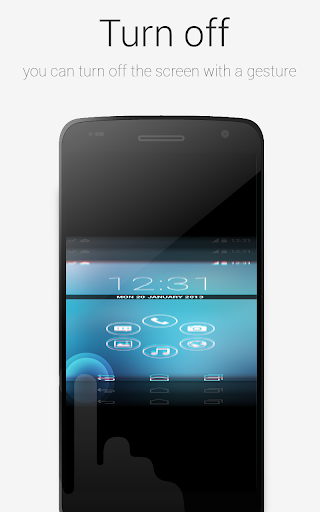
This plugin will enable Smart Launcher to use some extra features. Actually you need this plugin to turn off the screen with a double tap using Smart Launcher. The plugin is very lightweight (only few kb) and doesn't influence battery life and memory usage.
PLEASE NOTE: SL extra requires some advanced permission (just to turn off the screen indeed). So after enabling it, you won't be able to uninstall this app unless you disable it in the SL's preferences. Then you will be able to uninstall this app like every other app. Here is a video tutorial:
https://www.youtube.com/watch?v=lV7cjqdWXro
If you think this procedure is too hard for you, just don't install this app. You will still be able to use the most part of the Smart Launcher features.
كيفية تنزيل APK SL Screen Off plugin
- أدخل اسم الحزمة
ginlemon.smartlauncher.extratoolفي الصفحة الرئيسية لـ APK Downloader. - حدد بنية جهازك (يوصى بـ ARM64 للأجهزة الحديثة).
- انقر فوق تنزيل للحصول على ملف APK المدمج.
- قم بنقل وتثبيت APK على جهاز Android الخاص بك.
- ابقَ على اطلاع: قم بزيارة APK Downloader بانتظام للبحث عن أحدث الإصدارات الآمنة من تطبيقاتك المفضلة وتنزيلها.