
Fontes de download
Device Configuration
Guia de Instalação de Split APKs
Alguns aplicativos são distribuídos como Split APKs (vários arquivos .apk empacotados juntos) para otimizar os recursos. Os instaladores padrão do Android não podem abri-los.
Aplicativos Relacionados




Novidades
- Widget for quick lock/unlock apps and notifications
Sobre este aplicativo
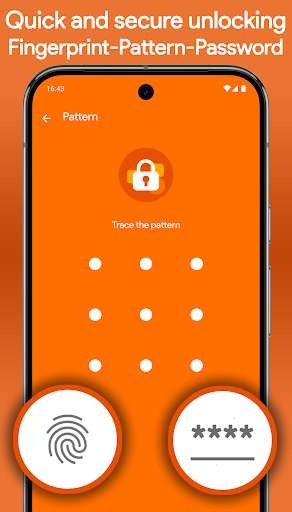
🔒 AppLockr helps you lock apps, protect your privacy, and secure personal data with PIN or fingerprint protection.
Keep your private apps safe, hide sensitive notifications, and automatically capture intruder selfies when someone enters the wrong PIN.
Protect WhatsApp, Telegram, Instagram, Photos, Gallery, and other private apps with powerful app lock protection.
✅ KEY FEATURES:
• Lock apps with secure PIN or fingerprint protection
• Hide notifications from locked apps for complete privacy
• Intruder selfie – Automatically capture photos of anyone trying to unlock your apps with the wrong PIN
• Encrypt private photos, files, and sensitive data with secure AES-256 encryption
• Instantly view intruder selfies when opening the app
• Flexible protection modes – Lock apps, notifications, or both together
• Quick lock and unlock widget for fast access
• Local storage only – No cloud uploads, no third-party sharing
🔐 YOUR PRIVACY COMES FIRST
AppLockr does not track your activity or upload your personal data.
No cloud storage. No tracking. No data sharing. Everything stays securely on your device.
🧩 LIGHTWEIGHT, FAST, AND SIMPLE
Designed for speed and ease of use, AppLockr protects your apps without slowing down your phone or draining your battery.
🚀 GET STARTED NOW
Secure your apps, protect your privacy, and keep your personal data safe with AppLockr.
Como baixar o APK do App Lock & Privacy — AppLockr
- Insira o nome do pacote
com.applockrna página inicial do APK Downloader. - Selecione a arquitetura do seu dispositivo (ARM64 recomendado para dispositivos modernos).
- Clique em Baixar para obter o arquivo APK mesclado.
- Transfira e instale o APK no seu dispositivo Android.
- Mantenha-se atualizado: Visite o APK Downloader regularmente para pesquisar e baixar as versões seguras mais recentes de seus aplicativos favoritos.
Segurança e Verificação de Assinatura
Este download de APK é 100% seguro. Verificamos se a assinatura criptográfica do arquivo corresponde às credenciais oficiais do desenvolvedor. Sem modificações ou adware injetados.