
下载来源
Device Configuration
Split APKs Installation Guide
某些应用以 Split APKs(打包在一起的多个 .apk 文件)形式分发以优化资源。标准的 Android 安装程序无法打开它们。
相关应用





新版变化
- Minor bug fixes and functional enhancement.
关于此应用
■ Korean Air My is now available on Wear OS.
• Service supported in Wear OS Device:
- Mobile Boarding Pass
- View SKYPASS Membership Card
※ Korean Air My on Wear OS needs to be synced with the mobile app.
■ Features
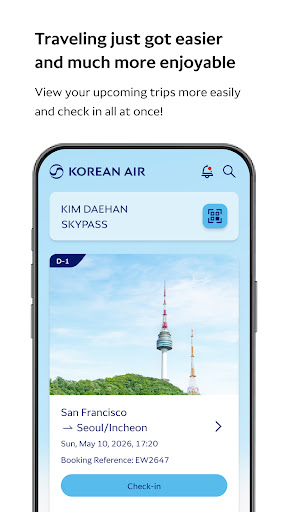
- Booking, check-in, and ticketing
- Personalized travel info per itinerary
- View the cabin of your aircraft with the 360° VR experience
- Real-time flight info via the app's push notification
- View baggage load status
- Login by using PIN number or biometric authentication
- Confirm boarding pass and SKYPASS card offline
We recommend that you upgrade to the latest version of Korean Air’s app for the newest features and fixes. Compatibility: Requires Android 5.0.0(21) (Lolipop) or later.
如何下载 Korean Air My APK
- 在 APK Downloader 首页 输入应用包名
com.koreanair.passenger。 - 选择您的设备架构(现代设备推荐选择 ARM64)。
- 点击 下载 获取合并后的 APK 文件。
- 传输并安装 APK 到您的 Android 设备上。
- 保持更新: 定期访问 APK Downloader 以搜索并下载您最喜爱的应用的最新安全版本。
安全与签名验证
此 APK 下载 100% 安全。我们验证文件的加密签名与官方开发者的凭据相匹配。无任何修改或广告注入。