
下载来源
Device Configuration
Split APKs Installation Guide
某些应用以 Split APKs(打包在一起的多个 .apk 文件)形式分发以优化资源。标准的 Android 安装程序无法打开它们。
相关应用



新版变化
- Name changed from "SL Extra" to "SL Screen Off plugin"
- Included a new disclousure as required by the recent changes to the Google Play Store policies
关于此应用
This app works only with Smart Launcher
This app uses the Device Administrator permission, in order to use a restricted API that allows to turn off your device screen
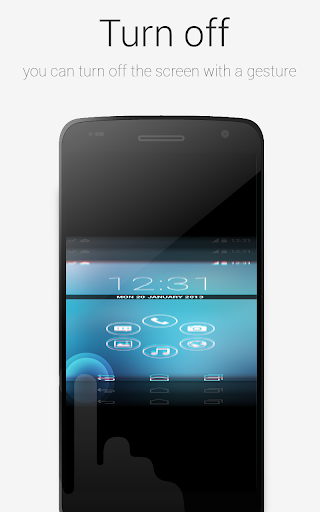
This plugin will enable Smart Launcher to use some extra features. Actually you need this plugin to turn off the screen with a double tap using Smart Launcher. The plugin is very lightweight (only few kb) and doesn't influence battery life and memory usage.
PLEASE NOTE: SL extra requires some advanced permission (just to turn off the screen indeed). So after enabling it, you won't be able to uninstall this app unless you disable it in the SL's preferences. Then you will be able to uninstall this app like every other app. Here is a video tutorial:
https://www.youtube.com/watch?v=lV7cjqdWXro
If you think this procedure is too hard for you, just don't install this app. You will still be able to use the most part of the Smart Launcher features.
如何下载 SL Screen Off plugin APK
- 在 APK Downloader 首页 输入应用包名
ginlemon.smartlauncher.extratool。 - 选择您的设备架构(现代设备推荐选择 ARM64)。
- 点击 下载 获取合并后的 APK 文件。
- 传输并安装 APK 到您的 Android 设备上。
- 保持更新: 定期访问 APK Downloader 以搜索并下载您最喜爱的应用的最新安全版本。