
Download Sources
Device Configuration
Split APKs Installation Guide
Some apps are distributed as Split APKs (multiple .apk files packaged together) to optimize resources. Standard Android installers cannot open them.
Related Applications



What's New
• Minor updates and bug fixes
About this app
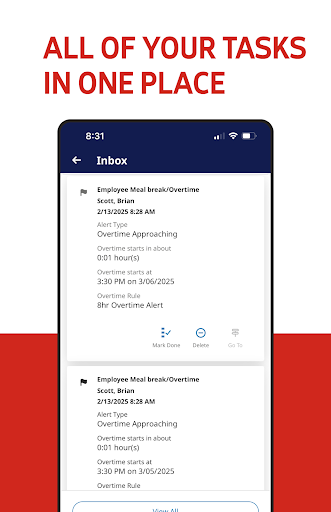
Unlock your workforce potential with the ADP My Work app, the perfect workforce management companion app for ADP Mobile! The ADP My Work app transforms the way you manage your team. Designed for managers and employees, this powerful tool puts workforce management in your pocket.
For Managers:
- Check attendance on the go
- Update schedules effortlessly
- Approve timecards with a tap
- Monitor overtime wherever you are
For Employees:
- Clock in and out in seconds
- Check schedules and swap shifts easily
- Request time off with just a click
Practitioners:
- Check on and process timecards remotely and ensure a payroll process is running smoothly
Embrace the future of workforce management by enhancing communication and boosting productivity with the My Work app, available exclusively for employees of ADP Workforce Manager clients.
Download now and experience seamless management at your fingertips!
Note: Use your ADP username and password to log in.
How to Download My Work APK
- Enter the package name
com.adp.dimensions.enterpriseon the APK Downloader homepage. - Select your device architecture (ARM64 recommended for modern devices).
- Click Download to get the merged APK file.
- Transfer and install the APK on your Android device.
- Keep Updated: Visit APK Downloader regularly to search for and download the latest secure versions of your favorite apps.
Security & Signature Verification
This APK download is 100% safe. We verify that the cryptographic signature of the file matches the official developer credentials. No modifications or adware are injected.