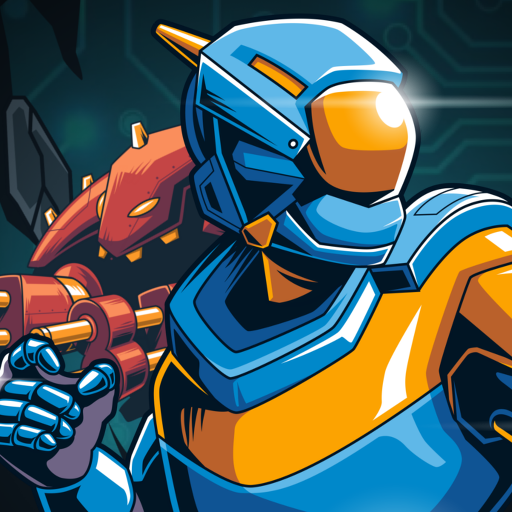
Sketchbook Squad APK Screenshots


Sketchbook Squad Game Information
Download Sources
Device Configuration
Split APKs Installation Guide
Some apps are distributed as Split APKs (multiple .apk files packaged together) to optimize resources. Standard Android installers cannot open them.
What's New in Sketchbook Squad
- tweaked early stage of the game to make it slightly easier
- full screen platform added when you lose a hero, so that the new chapter starts easier
- new achievement activated (100 energy drinks!)
- and more room between menu buttons
About Sketchbook Squad
For all our fans, here is our "yearly" free summer game!
We introduce our new band of heroes:
Sketchbook Squad !
We plan on creating a few more game with these lovable, collectable, super heroes.
For now, enjoy this free game, and thanks all of you for supporting our games :)
Tilt your phone to move the player, the more you move it to the left or right, the faster your super hero will jump/move in that direction.
Use the platforms, rockets, and super soda cans to climb as high as possible.
Avoid lasers, robots, meteorites, choppers and other hazards.
Make sure to follow us on Facebook and Twitter:
Facebook: http://facebook.com/orangepixel
Twitter: http://twitter.com/orangepixel
http://orangepixel.net
User Reviews

Please add in a left right touch on either side of the screen. Having to vigorously tilt the phone in either direction is dizzying and annoying

The design is so amazing and the music is very enjoyable, unless the gameplay is hard and i got nervous too fast :D But anyways it really deserve 5 stars

Bro why it's so blurry on my phone Huawei Y9 Prime, and I notice this game is 2013 WOW hope you fix this

It's a super fun game I love it 🤠
How to Download Sketchbook Squad APK
- Enter the package name
com.orangepixel.springon the APK Downloader. - Select your device architecture (ARM64 recommended for modern devices).
- Click Download to get the merged APK file.
- Transfer and install the APK on your Android device.
- Keep Updated: Visit APKDER.COM regularly to search for and download the latest secure versions of your favorite apps.
Frequently Asked Questions
Yes! Every APK download provided by APKDER undergoes rigorous security verification. We verify that the cryptographic signature of the APK file matches the official signature from the developer, ensuring the APK is original, untouched, and free from any modifications.
To install it, you first need to enable "Unknown Sources" in your Android device's security settings. After downloading the APK file from APKDER, tap it to begin the installation and follow the on-screen prompts.
Yes! As soon as the developer releases a new version of Sketchbook Squad, we will update and provide the updated APK on APKDER. You can simply download and install the new APK over the existing installation without losing your app data.
Yes. APKDER allows you to bypass geographic restrictions and download official APK files directly, even if the app or game is not officially available in your country's store.
A standard APK is a single installation package. An XAPK or Split APK contains multiple resource files (like OBB expansions or device-specific layout parts) packaged together. To install them, you can download splits individually or use dynamic helper tools like Split APKs Installer (SAI).
Security & Signature Verification
This APK download is 100% safe. We verify that the cryptographic signature of the file matches the official developer credentials. No modifications or adware are injected.