

Download Sources
Device Configuration
Split APKs Installation Guide
Some apps are distributed as Split APKs (multiple .apk files packaged together) to optimize resources. Standard Android installers cannot open them.
What's New
Launch.
About this app
In 1982, Rivlock Hospital was shut down after a wave of lawsuits, rumors of disappearances, and an unbearable stench that spread through its halls. Despite its closure, the building was not left empty: an unusually high payment is offered to anyone willing to work as a night guard.
No one has lasted more than a week.
You play as Thomas Castell, an ordinary man in desperate need of a job. What begins as a simple night watch quickly turns into an oppressive experience where silence feels heavy, the lights fail without warning, and machines do not always remain inactive.
Two robots still remain inside the hospital:
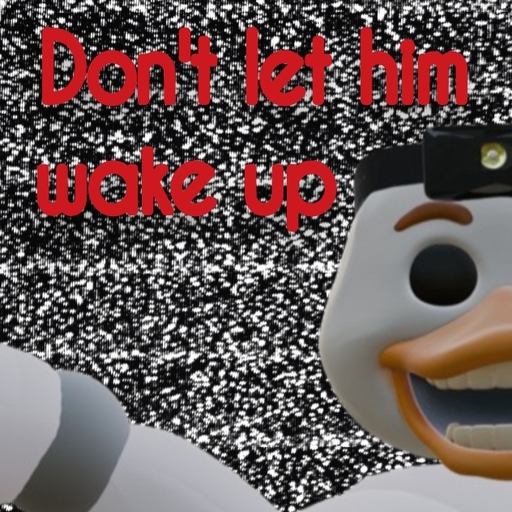
Ducks, a medical assistant once used in surgeries, and Cubot, a children’s entertainment robot. Both should be powered off… yet something keeps them from fully sleeping.
There is only a electroshock weapon
Only decisions, time, and constant tension.
Keep everything under control.
Do not wake what sleeps.
Survive each night.
Because inside Rivlock Hospital,
some things do not forget… and never truly rest.
How to Download Don't Let Him Wake Up APK
- Enter the package name
com.rcreations.dlhwuon the APK Downloader. - Select your device architecture (ARM64 recommended for modern devices).
- Click Download to get the merged APK file.
- Transfer and install the APK on your Android device.
- Keep Updated: Visit APKDER.COM regularly to search for and download the latest secure versions of your favorite apps.
Security & Signature Verification
This APK download is 100% safe. We verify that the cryptographic signature of the file matches the official developer credentials. No modifications or adware are injected.


