
Download Sources
Device Configuration
Split APKs Installation Guide
Some apps are distributed as Split APKs (multiple .apk files packaged together) to optimize resources. Standard Android installers cannot open them.
Related Applications




What's New
Schoology version 26.6.0 is now available for download.
Key Update:
- Added support for Google 16kb Policy Change
About this app
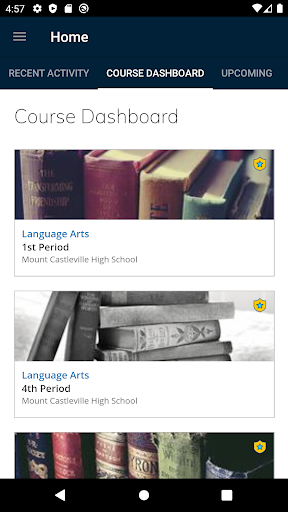
Get the app that brings Schoology’s CODiE-award-winning learning management solution to your Android device. Manage your classroom, create and submit assignments, participate in interactive discussions, perform assessments, collaborate with your peers, and more!
Have rich and engaging academic experiences anytime, anywhere with the official Schoology Android App! Start today by registering for a free Schoology account.
*A Schoology account is required to use this app.
You can register for your free account at http://www.schoology.com/register
How to Download Schoology APK
- Enter the package name
com.schoology.appon the APK Downloader homepage. - Select your device architecture (ARM64 recommended for modern devices).
- Click Download to get the merged APK file.
- Transfer and install the APK on your Android device.
- Keep Updated: Visit APK Downloader regularly to search for and download the latest secure versions of your favorite apps.
Security & Signature Verification
This APK download is 100% safe. We verify that the cryptographic signature of the file matches the official developer credentials. No modifications or adware are injected.