

DK Get Talking Chinese APK Screenshots




App Information
Download Sources
Device Configuration
Split APKs Installation Guide
Some apps are distributed as Split APKs (multiple .apk files packaged together) to optimize resources. Standard Android installers cannot open them.
About This App
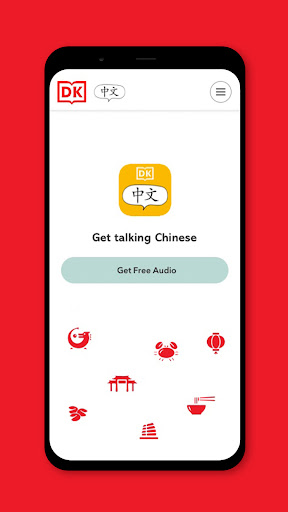
The DK Get Talking Chinese app provides offline access to the audio recordings that support the printed book. The app contains approximately 15 minutes of high-quality audio.
Please note that the DK Get Talking app is designed to be used alongside the printed course book. An internet connection is required to download audio content.
User Reviews

It's the companion app for a book with the same name. The app works as you would want it to and the program as a whole is a very nice little introduction to Mandarin, with some cultural insight. It's geared toward kids, but when learning a new and completely different language I find that to be a plus for adults as well.

App does allow the basic playing of the book audio, and support downloading it. But it is a worse experience than just providing the MP3 files on a CD, as they did with the previous edition, a step down.

This app links children with beginners at their level and they talk to each other, it is brilliant, after 2 years studying books and lessons, my son was chatting with people from around the world. Wow, what an app!!!

The app is very good.
How to Download DK Get Talking Chinese APK
- Enter the package name
com.dk.gettalkingchineseon the APK Downloader. - Select your device architecture (ARM64 recommended for modern devices).
- Click Download to get the merged APK file.
- Transfer and install the APK on your Android device.
- Keep Updated: Visit APKDER.COM regularly to search for and download the latest secure versions of your favorite apps.
Frequently Asked Questions
Yes! Every file hosted on APKDER undergoes rigorous security verification. We verify that the cryptographic signature matches the official signature from the developer, ensuring the app hasn't been modified or tampered with.
To install it, you first need to enable "Unknown Sources" in your Android device's security settings. After downloading the APK file from APKDER, tap it to begin the installation and follow the on-screen prompts.
Yes! As soon as the developer releases a new version of DK Get Talking Chinese, we will scrape and post the updated APK on APKDER. You can simply download and install the new APK over the existing installation without losing your app data.
Security & Signature Verification
This APK download is 100% safe. We verify that the cryptographic signature of the file matches the official developer credentials. No modifications or adware are injected.


